

INCIZOR Q · DOCUMENT CHATBOT
Ask your documents,
get the evidence too.
Q gathers what is scattered across documents into one answer.
Check the source text next to the answer and confirm the evidence you need.
Papers · Patents · Standards · Internal documents
01 THE CHALLENGE
Found the file,
but is the answer still inside it?
The coating method is in a paper, the process conditions in a patent.
Test criteria and past decisions sit in yet another document.
Even after you find the files, the reading and cross-checking remain.
Open and check related documents one by one
- Reducing interfacial resistance in all-solid-state batteries.pdfPaper · Application method
- Solid electrolyte surface coating process.pdfPatent · Process control items
- Battery materials evaluation guide.pdfStandard · Comparative test criteria
- Next-gen battery technology review minutes.pdfInternal document · Past decisions
02 ANSWER WITH EVIDENCE
Gather it with one question,
then confirm it in the source.
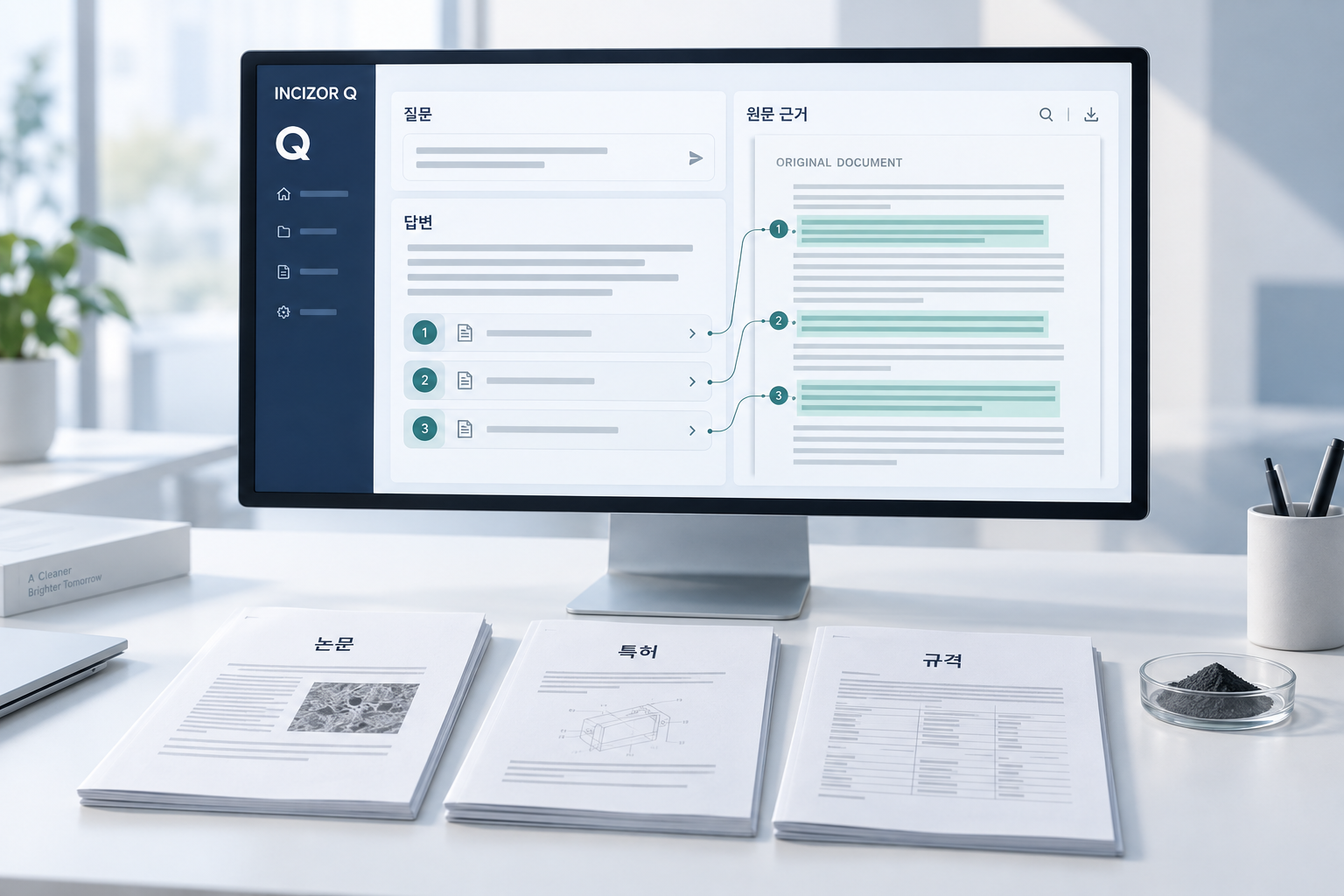
Q shows an answer gathered from related documents, with the source text alongside.
You review while seeing exactly where each point came from.
- 1 Read the answer compiled from multiple documents
- 2 Click an evidence number to see the source
- 3 Continue with a meeting-prep question
Select an evidence number to see the cited text and its location in the document.
Battery materials evaluation guide · p.11See answer and source↗Results obtained under different test conditions shall not be used for direct ranking.
03 READY FOR THE NEXT REVIEW
With the evidence in hand,
prepare the next review.
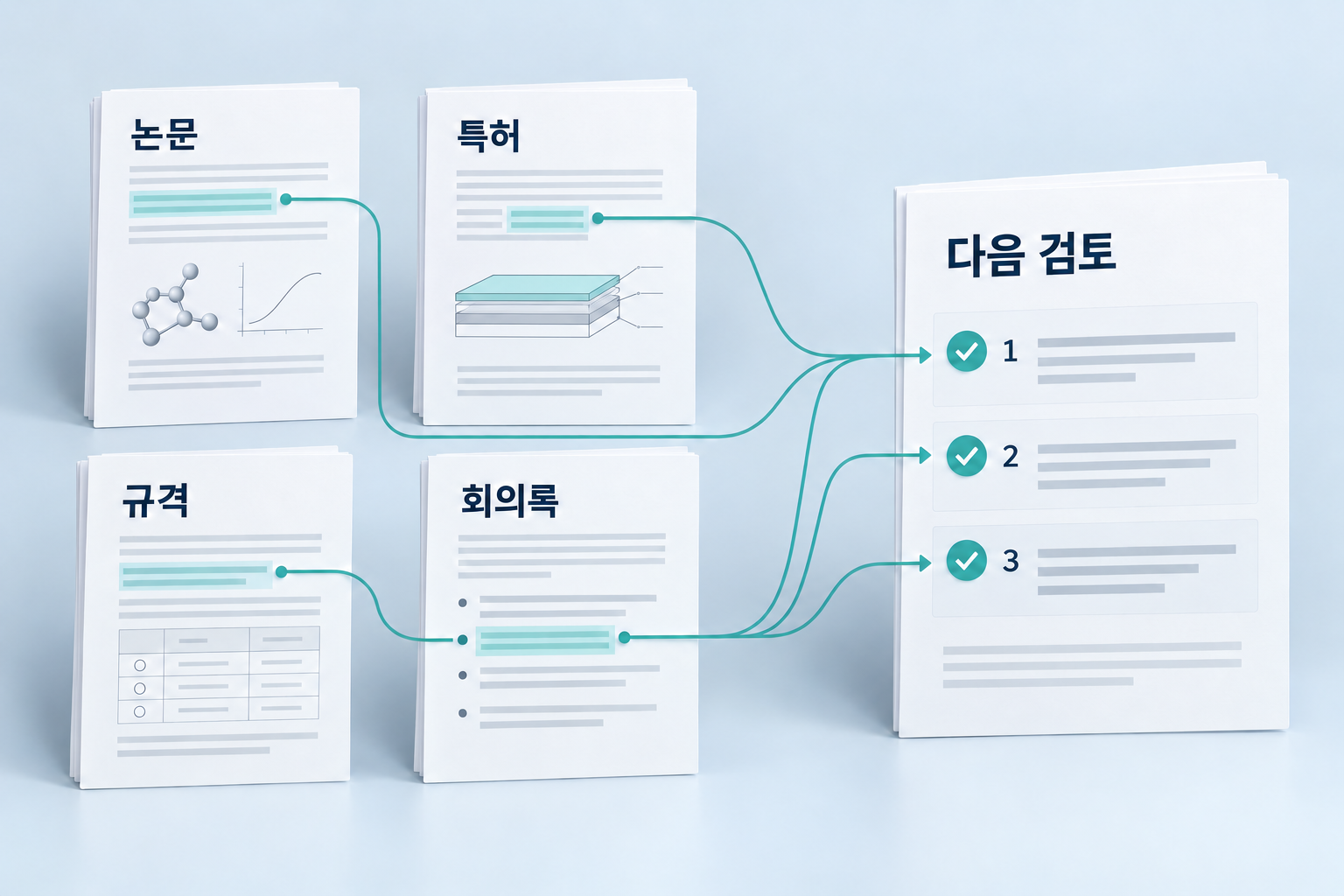
Q links application conditions from papers, patents and standards to decisions in your meeting minutes.
Build the prep list for your next meeting on the evidence you confirmed.
“Based on last meeting's decisions,
list what to prepare before the next review.”
Next meeting prep items
- Summarize coating process conditions from papers and patents
- Cross-check against test conditions in the evaluation guide
- Review results under different conditions separately
Evidence: Technology review minutes p.3 · Materials evaluation guide p.11
See the meeting-prep answer ↗04 GET STARTED
Connect your documents,
and start reviewing by asking.
Q classifies, organizes and indexes your documents for search.
You ask, check the evidence and put it to work.
- 01
Connect sources
Bring papers, patents, standards and internal documents together as review material.
- 02
Ask about your work
Ask what you need to review, like application methods or test conditions, in plain language.
- 03
Check the source
Click a cited sentence in the answer to see its source and location in the document.
- 04
Use it in the next review
Combine it with decisions from related meeting minutes into a prep list for the next meeting.
START WITH YOUR DOCUMENTS
Which question will you ask your documents first?
Tell us your document types and the questions you actually ask.
We'll plan the rollout around the answers you need and the evidence you must verify.