

INCIZOR LENS FOCUS · CUSTOM OCR
OCR tailored to your documents,
from recommendations to custom model creation.
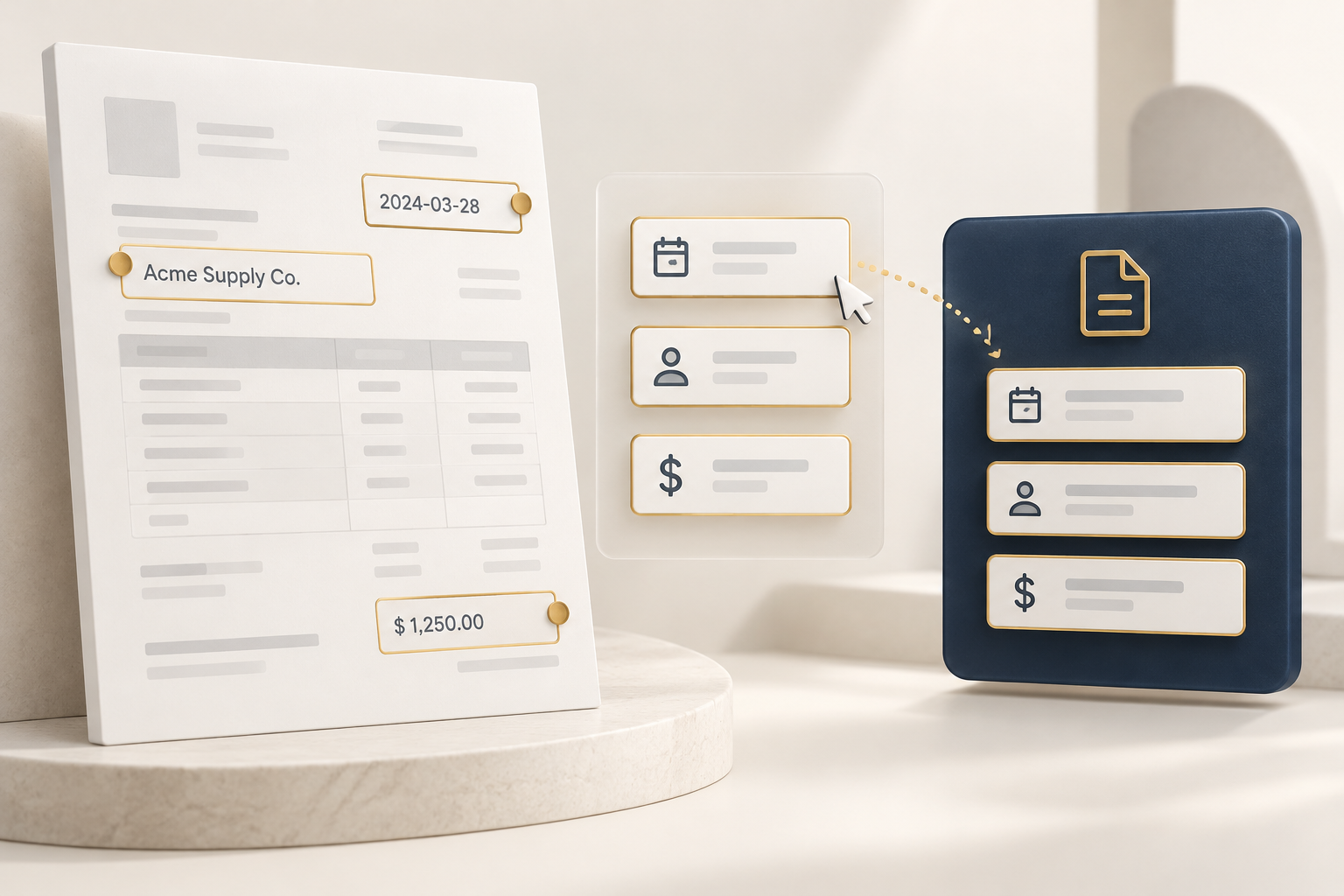
Upload a document to get recommendations for suitable LENS models and extraction fields.Create a dedicated model for new document types, reuse it with consistent rules,
and fine-tune it as your document types change.
01 WHY FOCUS
Which model fits this document,
and which fields should it extract?
For an unfamiliar document, you need a suitable model, extraction fields, and rules.
FOCUS helps from the very first step.
 01 / MODEL
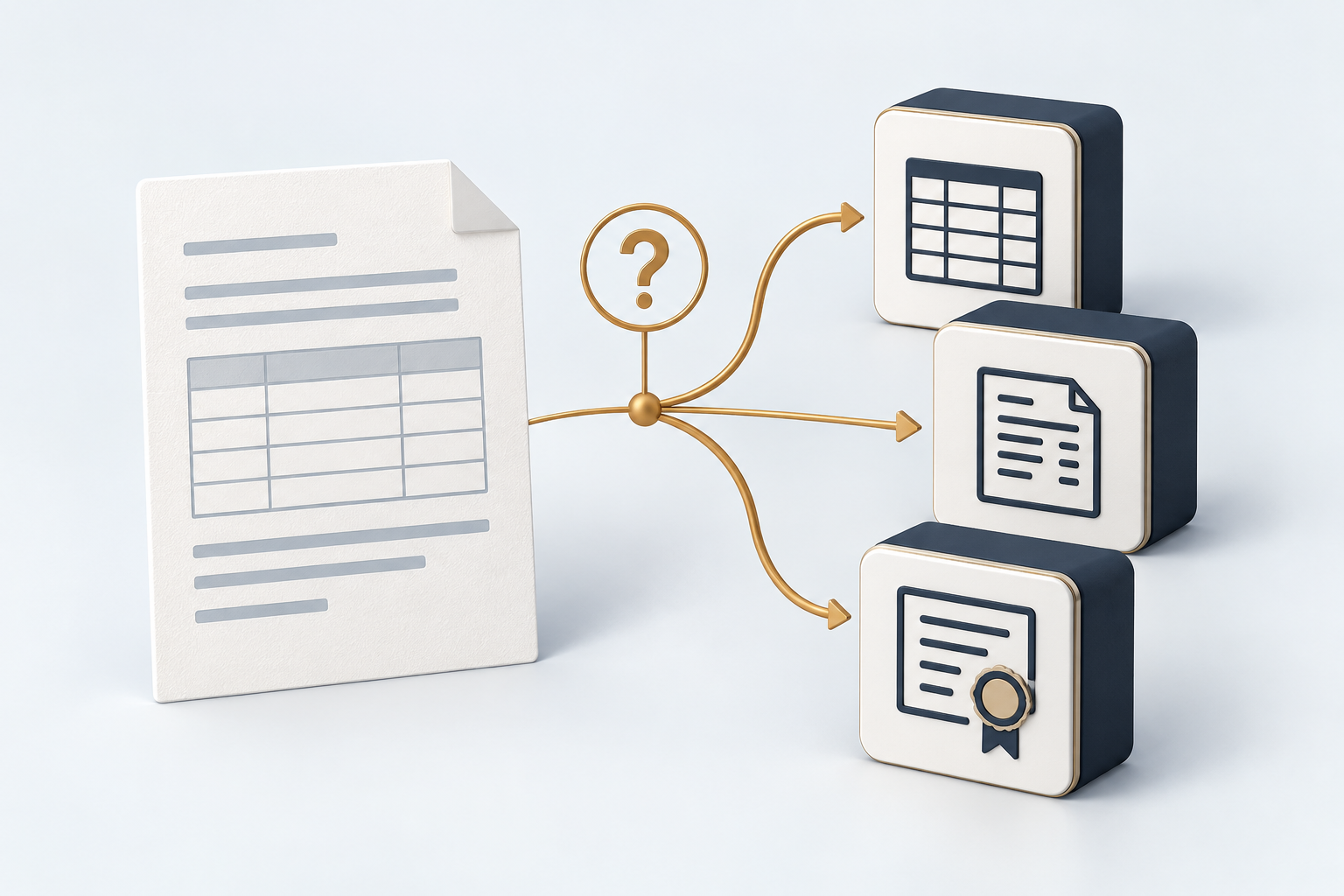
Which model should I use?
First, find out whether an existing model can handle your documents.
 02 / FIELDS
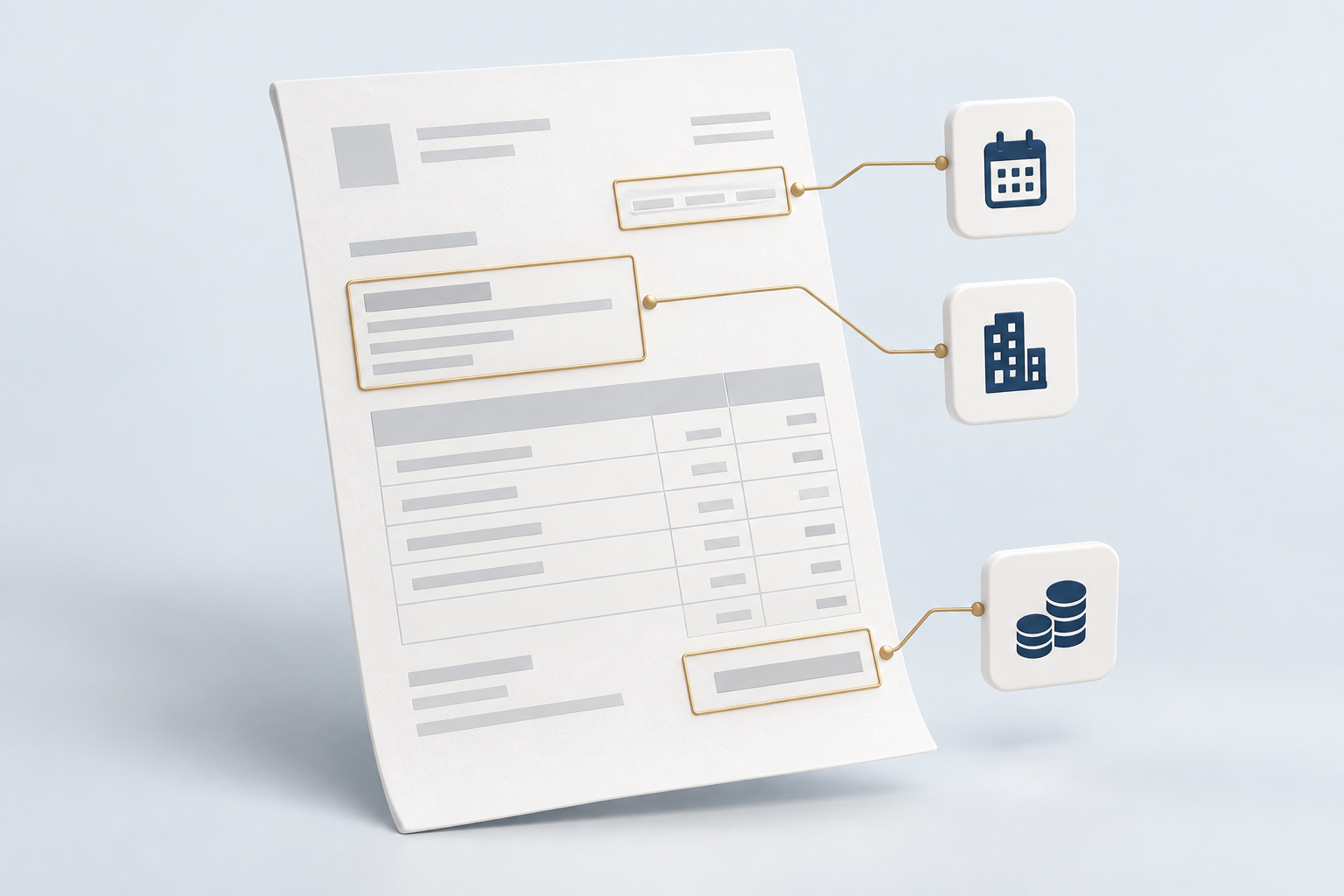
Which fields should I extract?
Choose the fields and output formats your work requires.
 03 / FORMAT
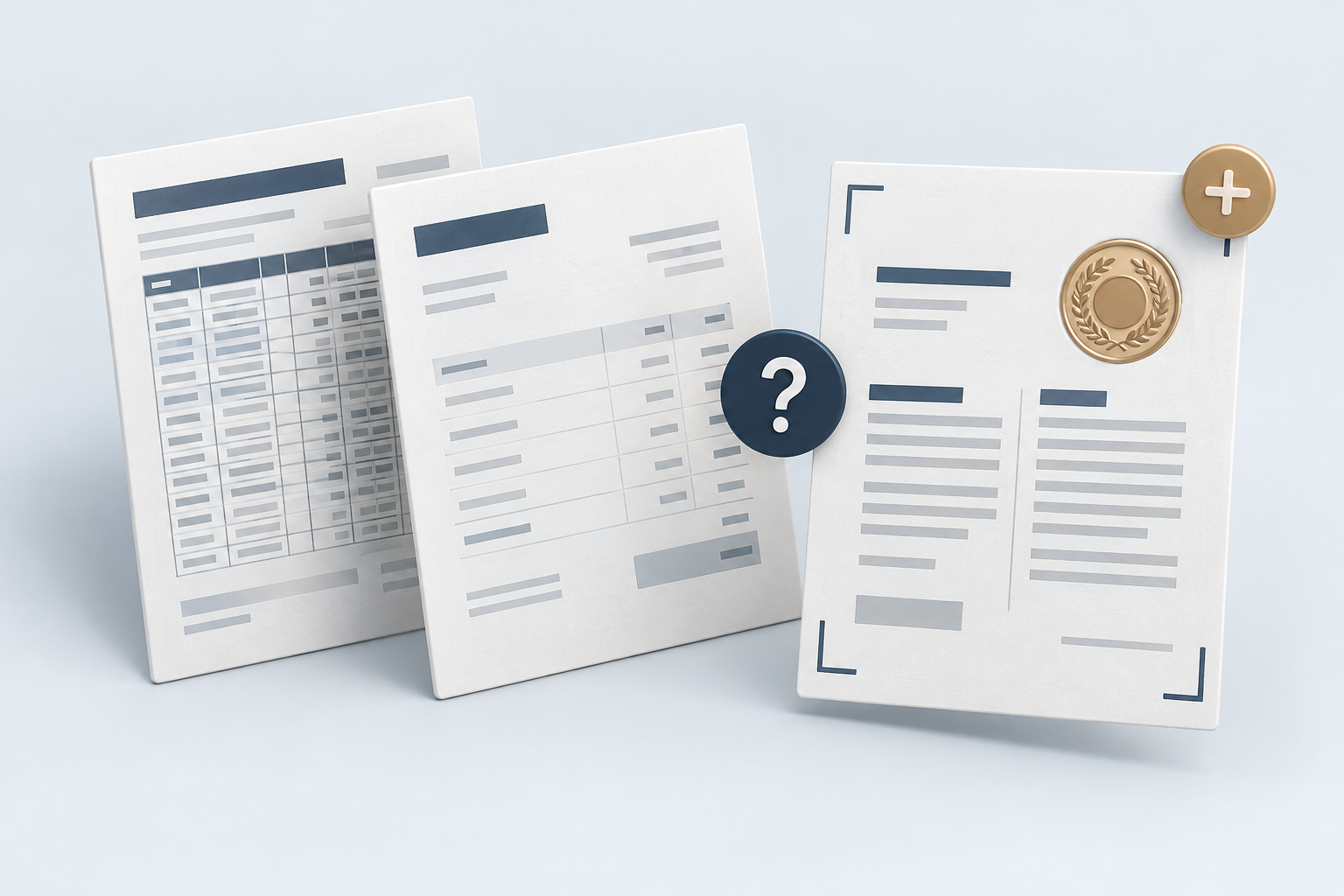
What if a new format arrives?
You need a way to adapt your model to new document types.
AI-generated illustrations of document processing preparation.
02 START WITH YOUR DOCUMENT
Upload a document.
See where to start.
FOCUS analyzes your document and recommends suitable LENS models and extraction fields.
Review the recommendations and set the rules your work needs.
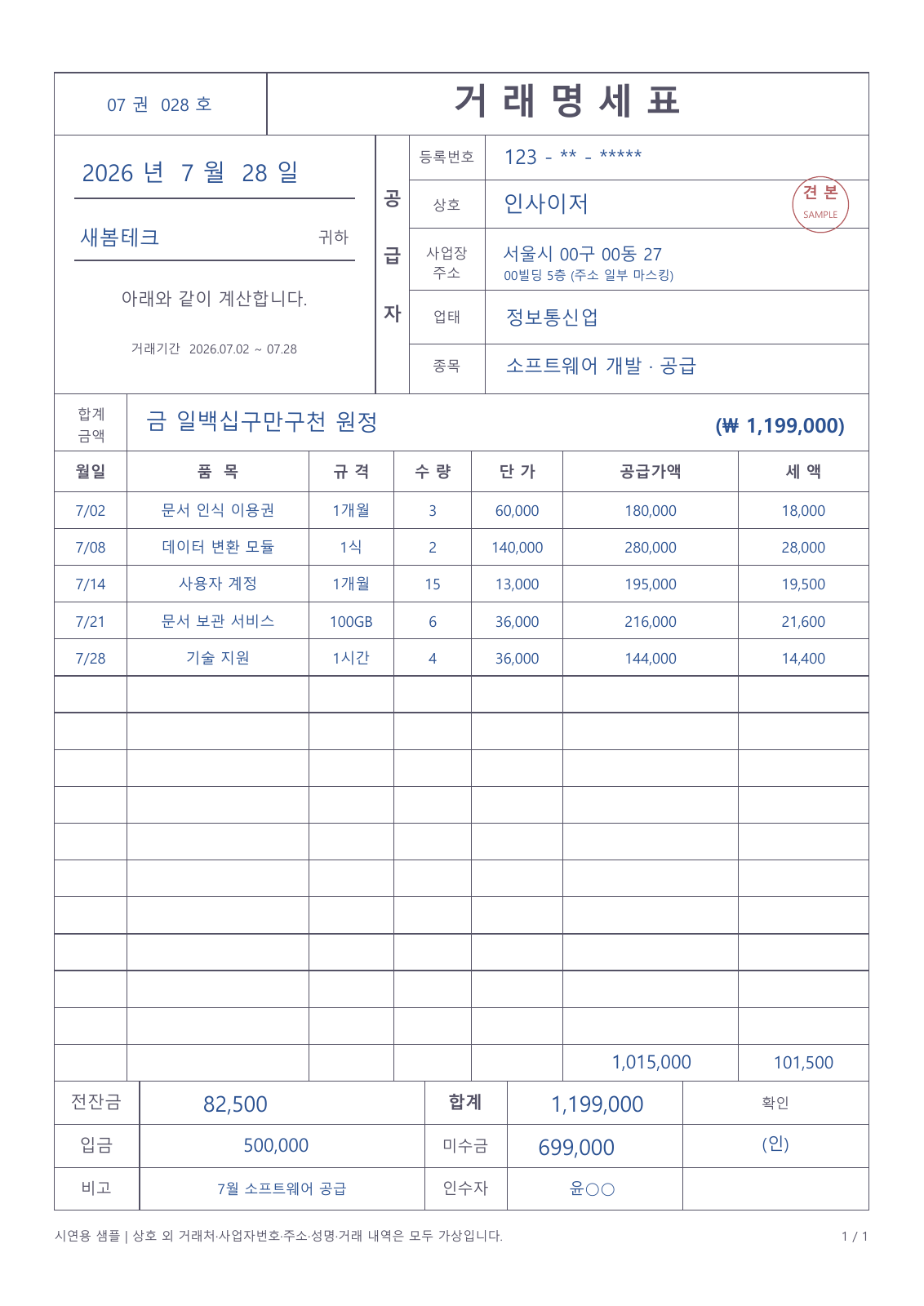
Start with your document.
Upload a document to get recommendations.
Transaction statement OCR
An existing model suited to your document structure.
Suggested fields
4 fieldsDemonstration of recommendations · No actual document analysis is performed.
03 BUILD ONCE, USE AGAIN
Define your rules once.
Build a model you can keep using.
For documents existing models cannot handle, build a custom OCR model with the fields and extraction rules you need.
Your model applies the same rules and output format to subsequent documents.
Recurring documents
A model for your documents
Selected fields · Extraction rules · Output format
Configure once. Use again.Results with consistent rules
Illustrative model and results. Validate extraction on sample documents before use.
04 TUNE AS DOCUMENTS CHANGE
When new document types arrive,
expand what your model can handle.
New supplier formats, additional fields, and unfamiliar document types.
Fine-tune with new documents, verify the results, and keep using your model as work changes.
Introduce statements from suppliers with different layouts.
Refine the model for new fields and document types.
Validate the refined model with samples and put it to use.
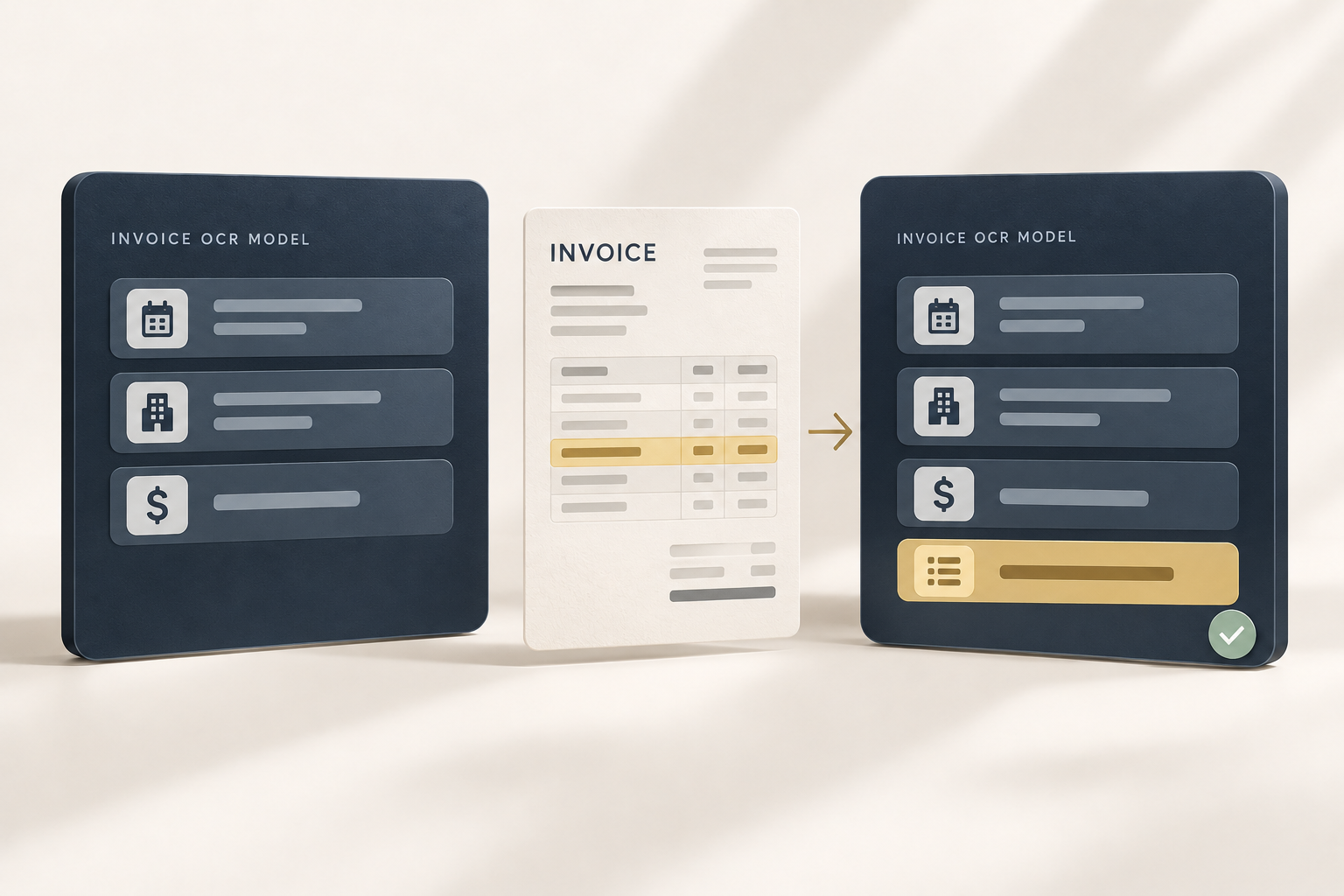
START WITH YOUR DOCUMENTS
Have documents to process regularly?
Start with FOCUS.
Tell us about the documents you use and the work you want to do.
Even if you have not chosen your extraction fields, you can start with AI recommendations.