

INCIZOR LENS · DOCUMENT OCR
The information in your documents,
made simple with LENS.
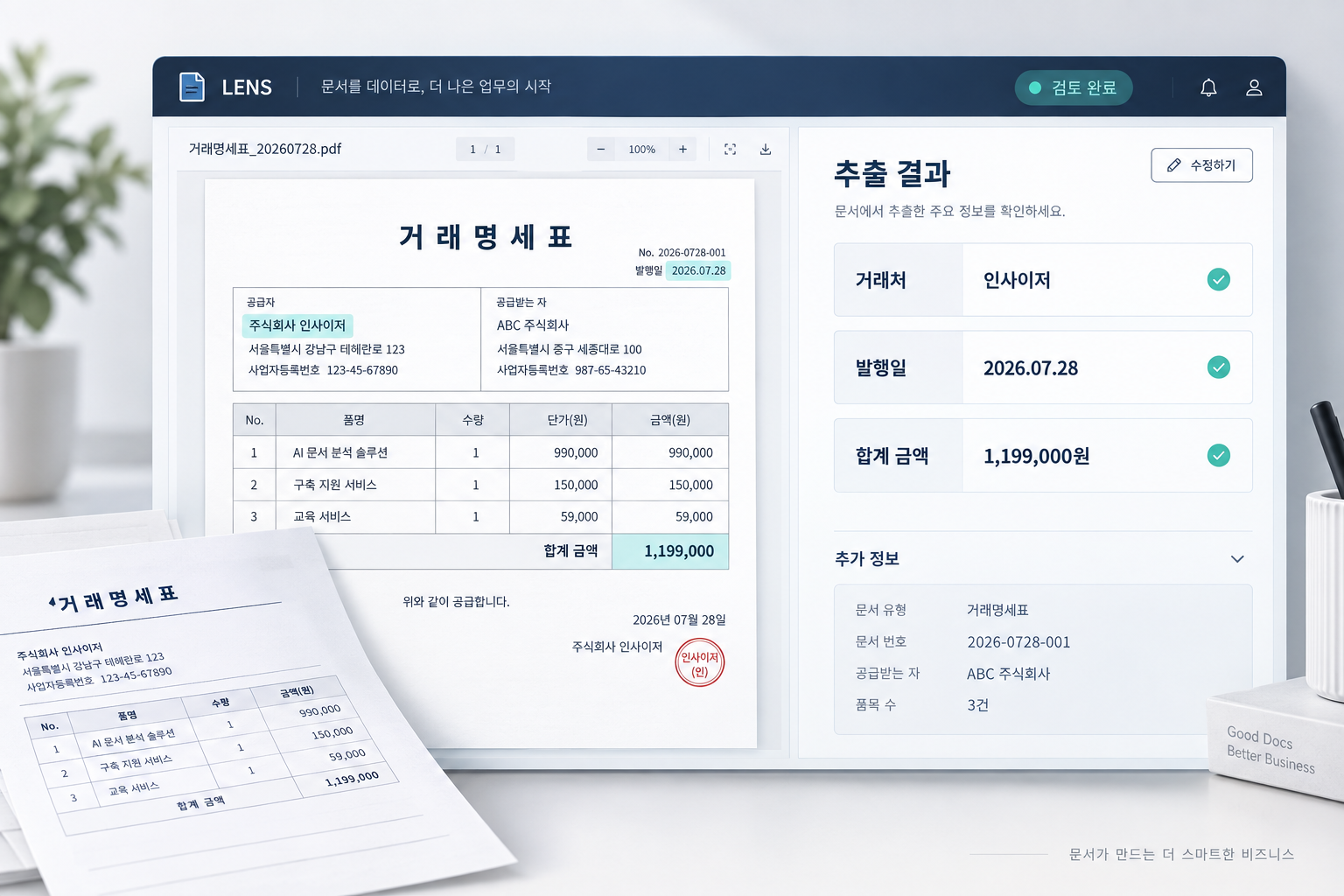
LENS is a document recognition service that extracts the information you need
with a dedicated OCR model built for your documents.
Upload a photo or PDF, review the extracted information, and put it to work.
Dedicated model · Source comparison · System integration
WHY INCIZOR LENS
The same document task,
without explaining it every time.
LENS prepares the fields to extract and the output format in your dedicated model in advance.
No retyping prompts or digging up old chats. Just upload the next document.
From extraction to use in your work,
one request after another
An automated chat demo running from attaching the document through fixing fields, formatting the output and requesting an Excel file.
Just upload a photo or PDF
to your dedicated model
Upload new documents to the same dedicated model.
Repeat work with a chat AI may vary with how it is used and configured. LENS is described for document tasks with a dedicated model already prepared.
BUILT AROUND YOUR WORK
Stop fitting your work to OCR.
LENS fits your documents
and your work.
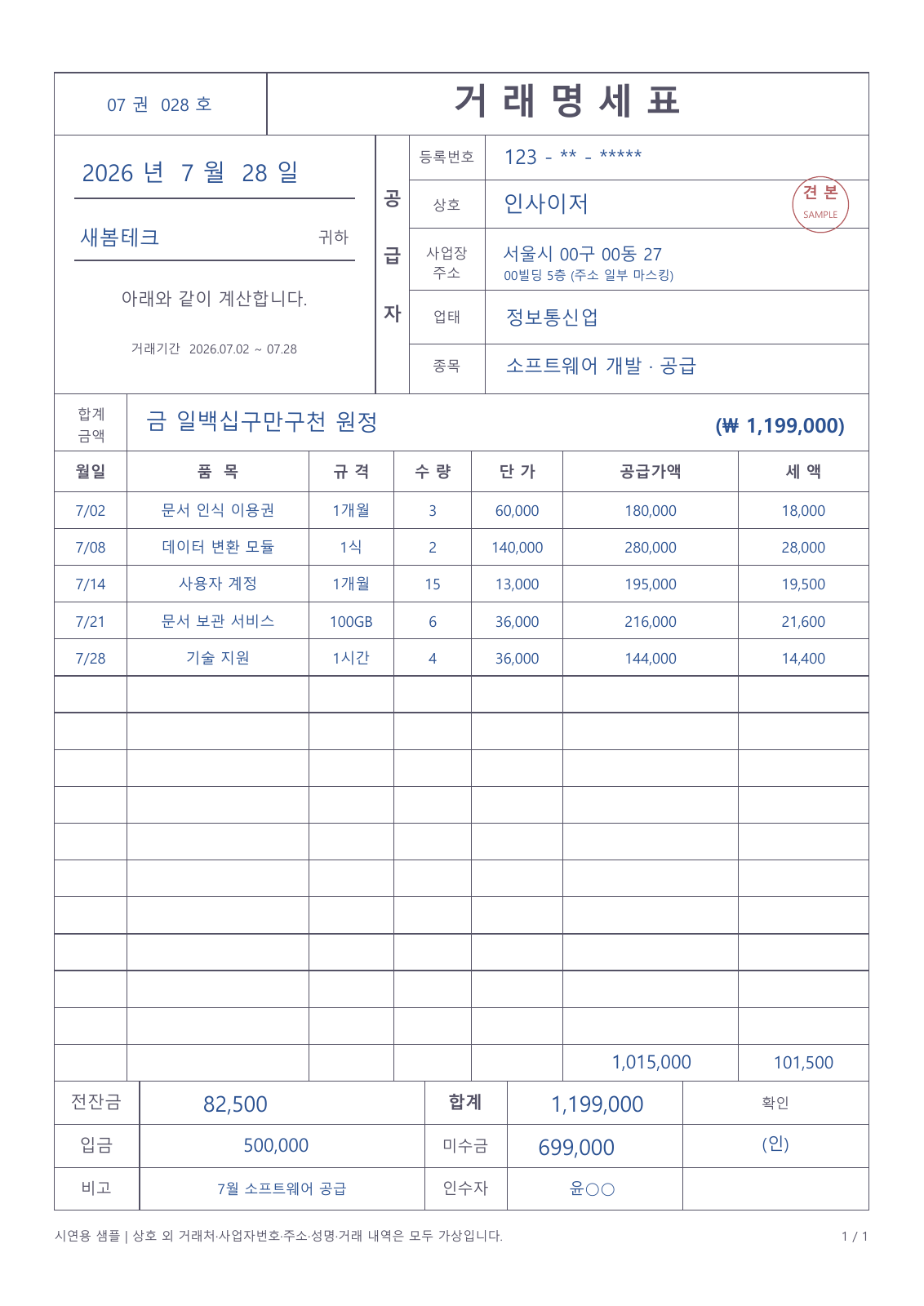
We start by confirming what to read from the documents you actually use,
and in what form you will use it.
Then we prepare your dedicated OCR model to that standard.
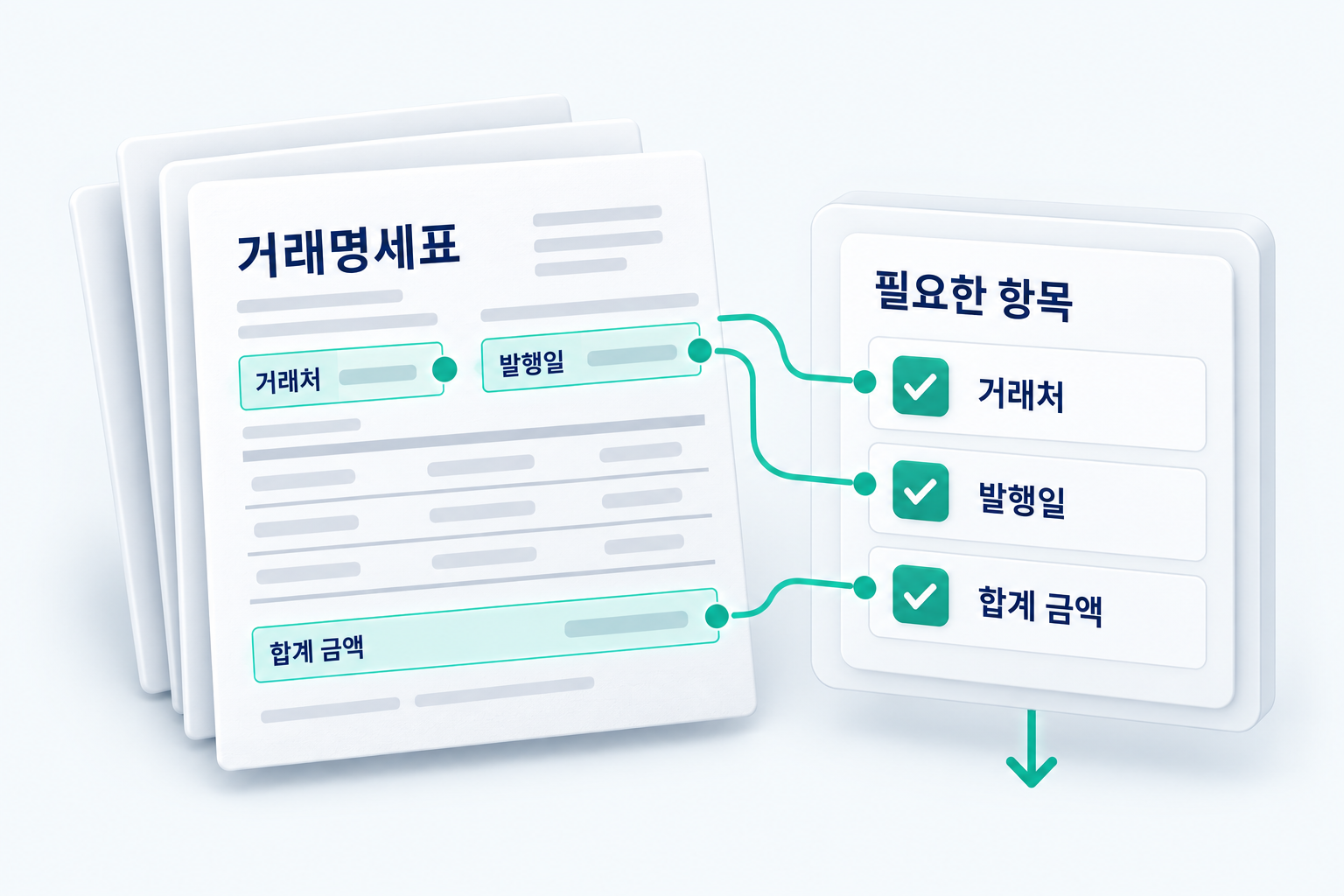
| Vendor | Issue date | Total amount |
|---|---|---|
| INCIZOR | 2026.07.28 | KRW 1,199,000 |
With a single document,
try LENS.
No extraction conditions to enter.
Upload a document and see the result.
Check the prepared dedicated model and start by uploading the sample PDF.
capture it, check it,
and send it on.
Your company's dedicated model is ready,
so on mobile you only need to upload the document.
This demo uses fictional data. No documents are uploaded and nothing is sent to external systems.
LENS CUSTOMERS
For all kinds of document work, use LENS.
Companies across many industries use LENS.
Many of them process medical and insurance documents.
Medical · Insurance
From medical bills to medical certificates,
we extract the information you need
from the medical documents you use.
Corporate · Trade documents
We extract company registration details, transaction items and more
from corporate documents.
Civil · Eligibility records
We extract personal details, family relations, eligibility history and more
from supporting documents.
Vehicle · Payment management
We extract plate numbers, incident details, amounts due and more
from notices.
GET STARTED
With your documents, see LENS in action.
20 free documents with an existing or custom model
Try an existing model
Start with a ready-made model for your document type.
Try a custom model
Start after we build a model for your documents and fields.
Either way,
20 free documents
See for yourself how the information you need
is extracted from your documents.
Model building is free by default.
Special cases may incur a build fee,
and we will let you know in advance if so.
Send samples only if you can share them.
If not, just tell us the document type and the fields you need.
- 01
Apply
Tell us your document type and the fields to extract.
- 02
Select or build a model
We check for an existing model or build a custom one.
- 03
Try 20 documents
Review extraction results on your own documents.
- 04
Agree on terms
We agree on usage and the scope of integration.
Start with your company's documents.
LET’S TALK ABOUT YOUR DOCUMENTS
Repetitive document work,
start with LENS.
Tell us the documents you use, the information you need and the systems to connect.
We will work out the right scope of LENS for your work together.